
# Cloning Existing Positions
Immediately mint JuiceDollars by cloning an established position that is not maxed out.
This is the standard way to obtain JuiceDollars against a collateral. Unlike creating an entirely new position, which takes a lot of time, borrowing by cloning an established position can be done immediately. To do so, find an existing position that is based on your collateral of choice and that is not maxed out yet, i.e. where the borrowed total is below the limit.
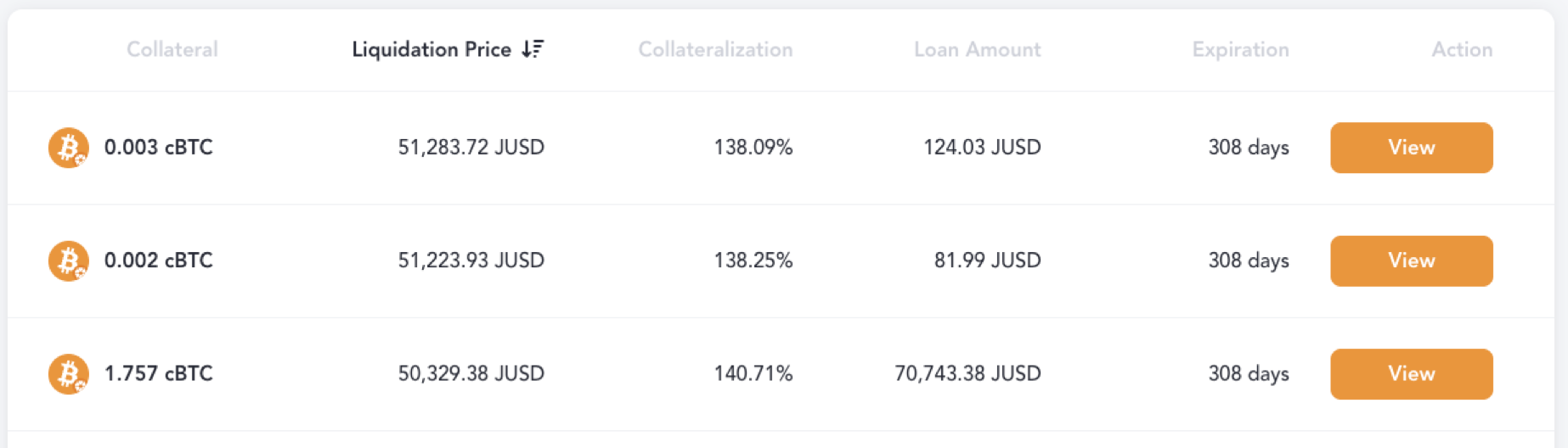
Existing positions
When selecting a position on the position overview (Monitoring), you get to see its detail view with all the relevant parameters. If you want to mint against that position type and you are not the owner, click Clone — that opens the Borrow page with that parent position pre-selected. If you are the owner, use Manage to open your position’s adjustment hub instead of cloning.
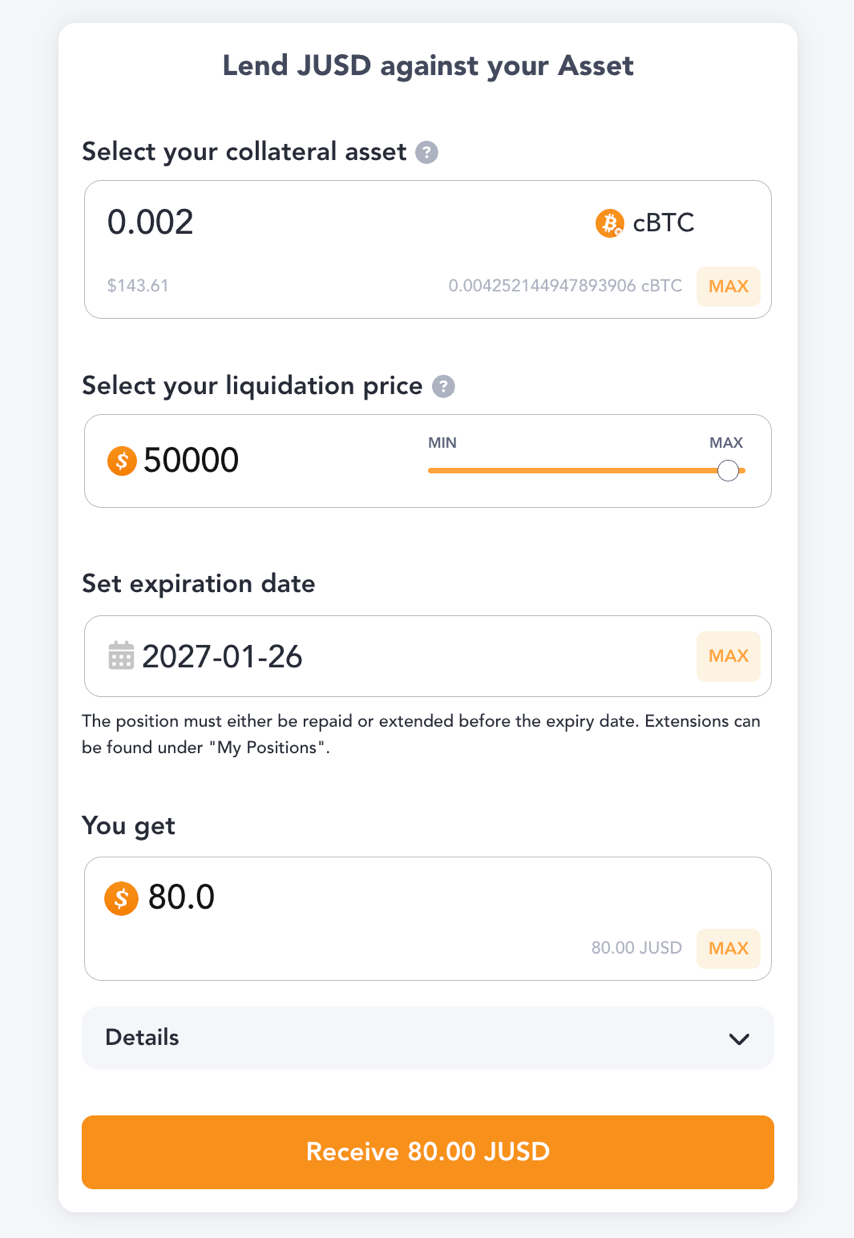
Position details
The borrow page lets you specify how much you want to borrow and shows you how much of the collateral asset you need for that. When confirming the inputs, a transaction is created that will at the same time deduct the required amount of collateral and mint the indicated amount of JuiceDollars into your wallet. Note that a fraction of what you borrow does not go to your wallet, but instead is sent to the borrowers reserve in your name. Unless the JuiceDollar system suffers from large losses in the meantime, you will get that reserve back as you repay the outstanding amount. Also, a fee is automatically deducted.